Whenever I use Minecraft: Education Edition, this always pops up.Chromebook Student Account MEE Login Error: Code 0

School-Issued Chromebook,schools.nyc.gov
ChromeOS Version: 141.0.7390.135 (Official Build, 64-bit; updated to the latest firmware)
Network Environment: School Zscaler VPN
Application Version: Minecraft Education Edition 1.21.132 (Latest Stable Version)
Upon launching the application, a login selection interface appears with the options: "Certificate on this device" / "Physical smart card."
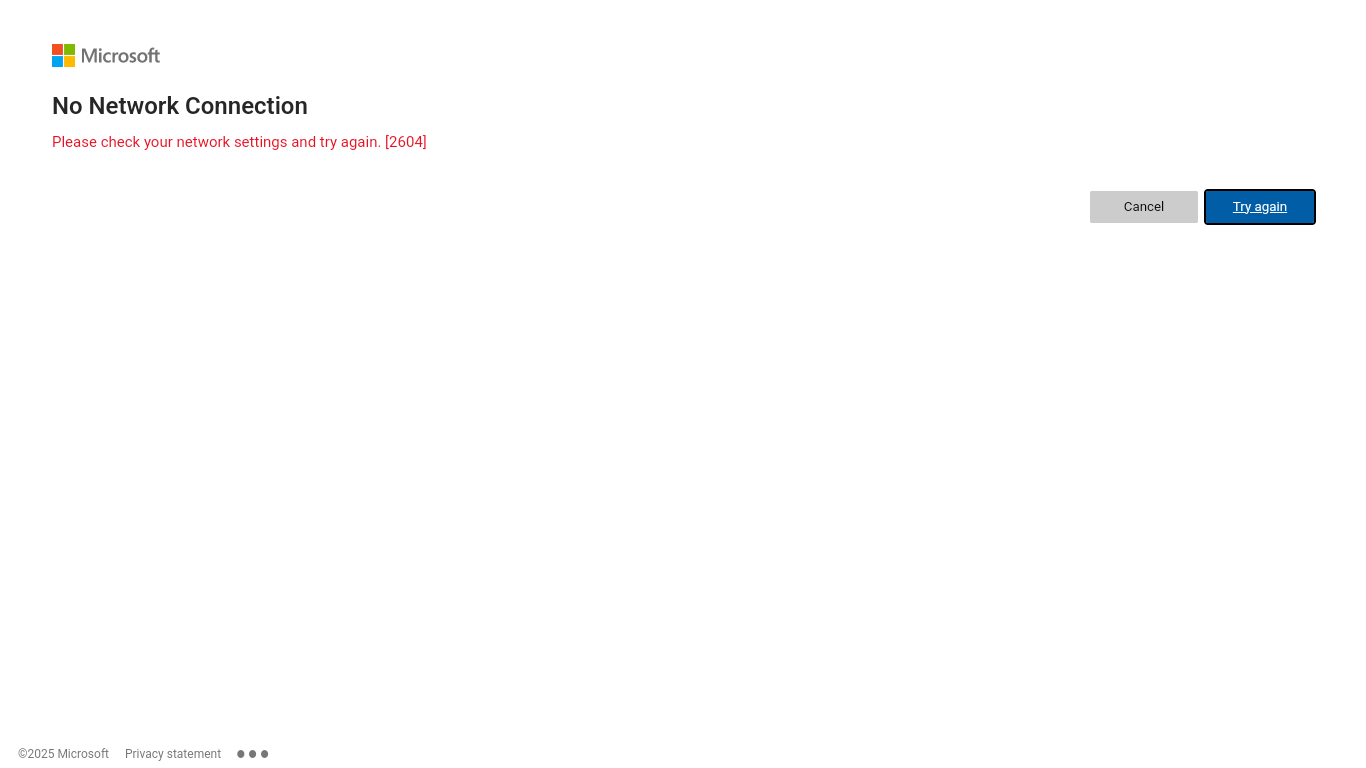
Immediately after selecting either login option, a Microsoft "No Network Connection" error message pops up (Error Code: [2604]), displaying the prompt: "Please check your network settings and try again."
I have already performed independent troubleshooting steps—including restarting the device, reconnecting to the VPN, clearing the application's cache and data, updating the application, and switching to a non-campus network for testing—but none of these measures resolved the issue.After launching the application, selecting "Certificates on This Device" to log in causes it to crash immediately.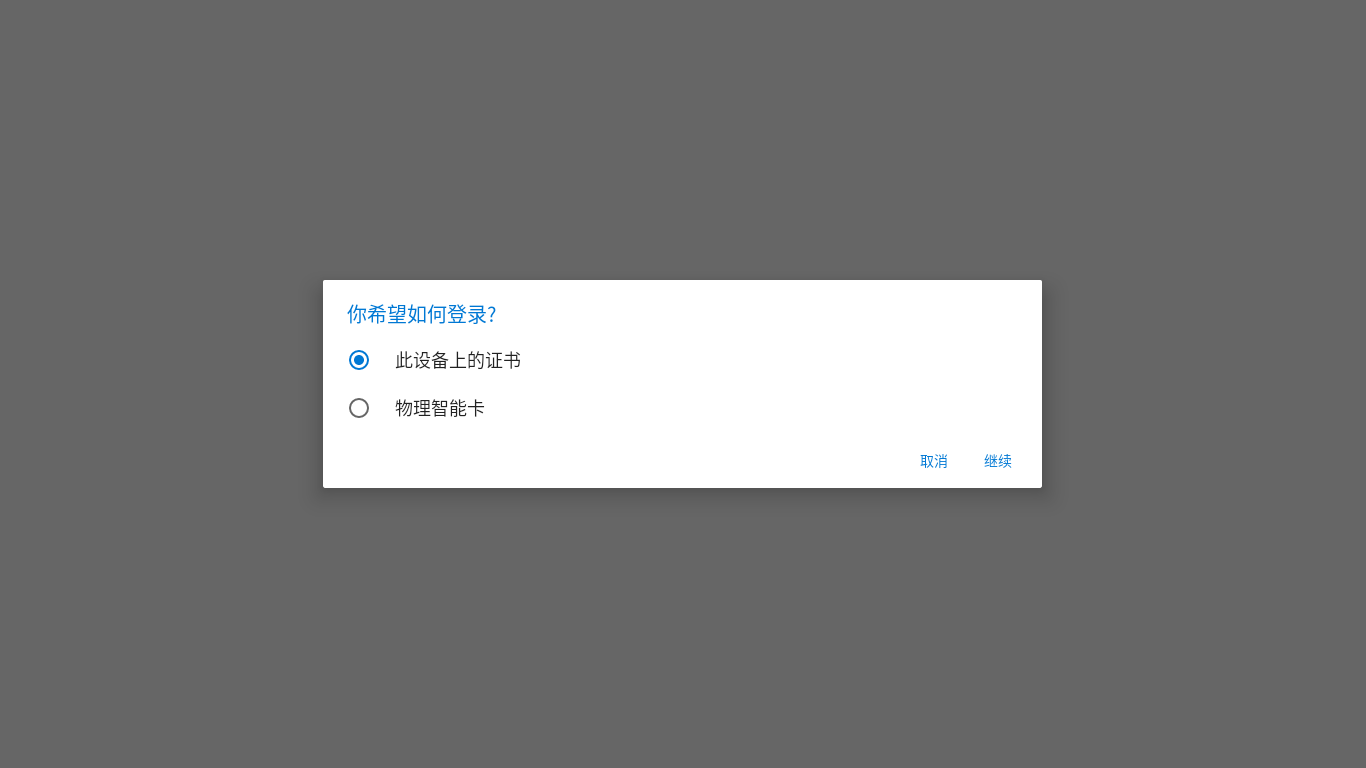
-

Solution (requires school IT administrator):
1. Enable Certificate Sharing Policy
In the Google Admin console:
1. Navigate to: Devices → Chrome → Settings → User & browser settings
2. Locate the policy: "Enable usage of ChromeOS CA certificates in Android apps"
3. Set this policy to: Enabled
4. Apply to target devices or organizational units2. Deploy Certificates to Both Stores
Ensure the following certificates are deployed to BOTH locations:
• ChromeOS system certificate store (already done)
• Android app certificate store (needs to be added)Certificates include:
• Zscaler root certificate
• School SSO login certificate3. Verification Steps
After deployment, on the Chromebook:
1. Restart the device
2. Open Minecraft Education Edition
3. Attempt to log in and check if Error 2604 still occurs0 -

Has done everything except this one:
• Android app certificate store (needs to be added)
How did you add the certificates to Android app certificate store?0 -

Hey there!
Are you the IT admin for the domain? I believe you will need those permissions to do so. Then I can send over some instructions.
0 -
Hi thanks for the reply. Yes I'm the IT admin. I've gone through all of the steps regarding the policy settings in Google Admin Console, and pushed out the certificates. But it looks they only showing up in local server certificate store, and I'm not sure if they were pushed out to ARC++ (Android subsystem cert store). The previous post here that he resolved this issue, said that the certs need to be added to the Android app certificate store which is what I want more details. Thank you so much.
0 -

Hey there,
We've been working on investigating this issue with Google for other schools with similar issues. From their findings, it seems to mostly boil down to a broken certificate chain being rejected between an IdP, Google, and the Android Subsystem used on ChromeOS. Not necessarily the deployed certificates themselves. The 2604 error on the Microsoft side simply indicates that something went wrong with the certificate process, but Microsoft's Auth system cannot see the full error as it failed on Google's/Your IdP's side. Here's the results from Google's investigation, and a recommended fix. This may not directly help in your case depending on your setup but could help guide your teams' investigation.
From their findings, the web server was serving an incomplete SSL certificate chain. The chain ended at a self-signed Root certificate which was not present in the Android trust store used by the ChromeOS Android container (ARC++). Because Minecraft cannot trace the chain to a trusted root during the TLS handshake, it fails with error 2604.
Google's Recommendation is to add the cross signed version of your certificate intermediate to the server's chain. This version is signed by AAA Certificate Services which is universally trusted by Android. Once installed the Android container will be able to validate the chain end to end. One suggested way of generating the Corrected Chain File
1. Go to https://whatsmychaincert.com/
2. Enter your schools domain used for authentication and click 'Test'
3. Download the .crt file provided via the "Download the correct chainfile" button. This file contains the full corrected chain (Leaf > Entrust intermediate > Sectigo R46 cross-signed by AAA)
The exact deployment for this will highly depend on the IdP your school is using.
For Active Directory Federation Services (ADFS), these are the steps they recommended depending on your server version, specific config ect.)
1. Open certlm.msc (Local Computer Certificate Manager) on the server
2. Import the cross signed certificate into Intermediate Certification Authorities
3. Ensure the self-signed certificate is no longer being served by IIS
4. Run iisreset (or restart the affected site) to rebuild the handshake chain
5. Verify the fix using the SSL Labs Server Test (https://www.ssllabs.com/ssltest) the path to AAA Certificate Services should now show as "Sent by server". The risks with this solution are low. There shouldn't be any changes to the leaf certificate, DNS or private keys existing successful connections will not be affected while failing Android connections will begin to succeed. Use standard change request window precautions.
For complex support on this, I would highly involve engaging Google Workspace support, or your IdP's support. We're happy to join any conversations to assist in the process.
Let us know if you have any additional questions, or concerns!0
Please sign in to leave a comment.
Comments
5 comments