Stuck on Sign in Required

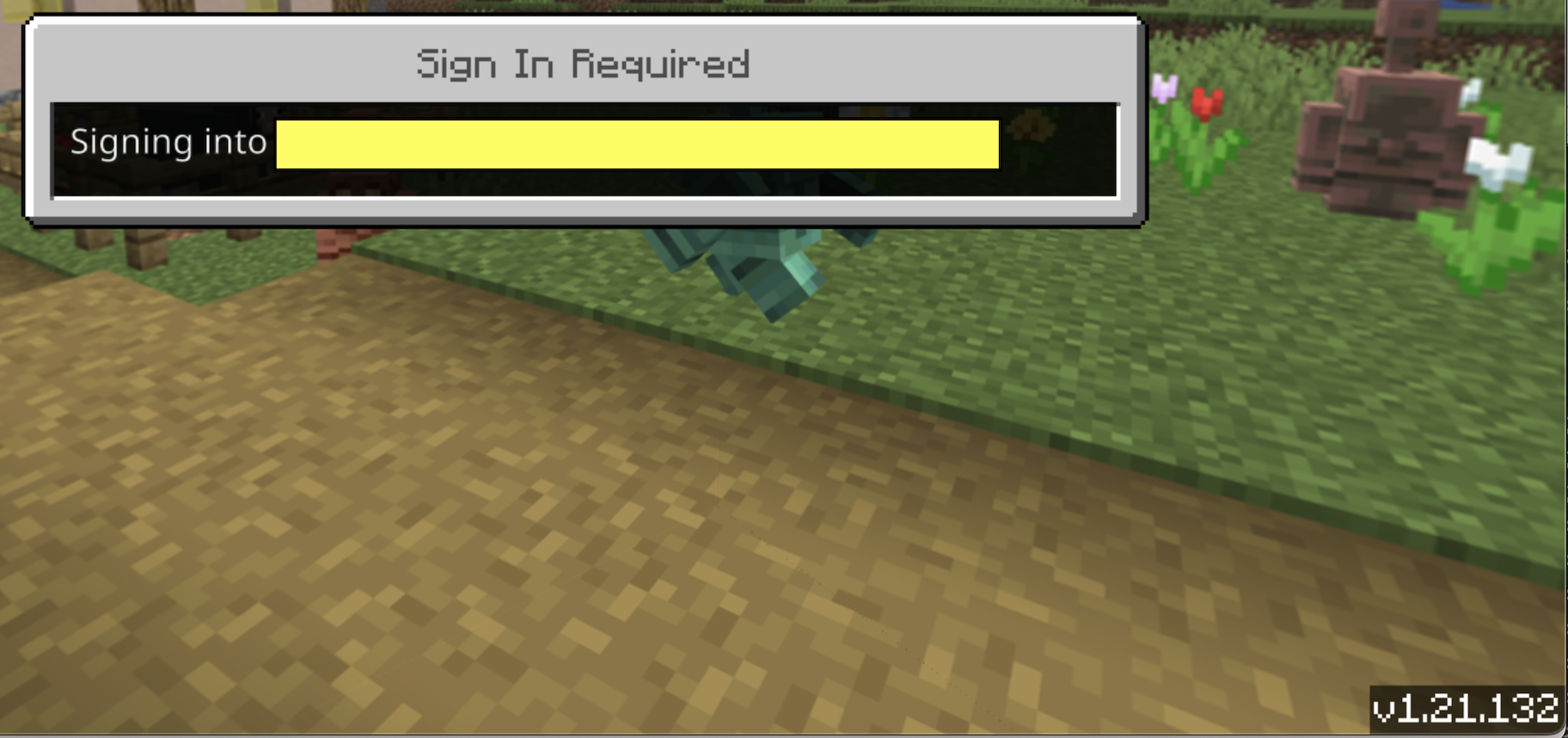
We just updated to 1.21.132 and now students cannot get past the Signing in to your account dialog box. We are running Mac OS 15.7.4.
Any help would be appreciated.
-

Hey there!
Sorry to hear you are running into some issues with singing in since updating Minecraft Education.
That OS version should be good, thanks for letting us know that.
Just had a few questions to help us support you further:
1 - What does the error message say? Do you mind screenshotting it please ? ( no personal info)
2 - Are all students running into this issue or just a few?
3 - Were you able to reach out to your school's IT admin on this issue (if you are not that person)?
0 -
1. There is no error message. It just stays on the 'Sign In Required' page. We have found that if you turn off wifi to the computer the sign in will fail saying that wifi is required. Then turn the wifi back on and sign in again and it will allow you to sign in as normal. However, when you do this students cannot host (instead of a code four black x's appear). If you wait about 5 minutes and try again sometimes it will give you a code and other students are able to join. This is very inconsistent and does not always work.
2. This is affecting all students. We have tried to use their iPads (iOS 18.7.4) as well and the same thing happens.
3. Yes IT is involved. They have verified that all appropriate domains have been whitelisted
 0
0 -
Hey there,
Thanks for this info and the screenshot.
Does this issue replicate on a different Wifi network?
What proxies, content filters, virus protection and, firewalls do the school network and devices use?
0
Please sign in to leave a comment.
Comments
3 comments