Coding Projects - Prevent Sharing

Hi, we use iPads in our classroom. In most cases, worlds are associated with student accounts so students are not able to modify each other's worlds. However, it is not the same for MakeCode projects. Students can see all projects and they are able to change them.
My question is, what would be an effective way to keep students from messing with projects that do not belong to them?
Also, is there a quick way to reset MakeCode in Minecraft Education to start afresh without logging onto the app? I need to do that for a class set of 40 iPads and I usually do not have much time in between classes.
Thanks!
-

Hey there,
Sorry to hear you are running into some issues with students messing with coding projects that are not theirs.
Hows is this happening exactly? Are you using 1 to 1 devices, one student per device for each Minecraft Education license?
Are they getting to it in the file folders or through the app?
Either way, I'd say one of the best ways to address this would be to:
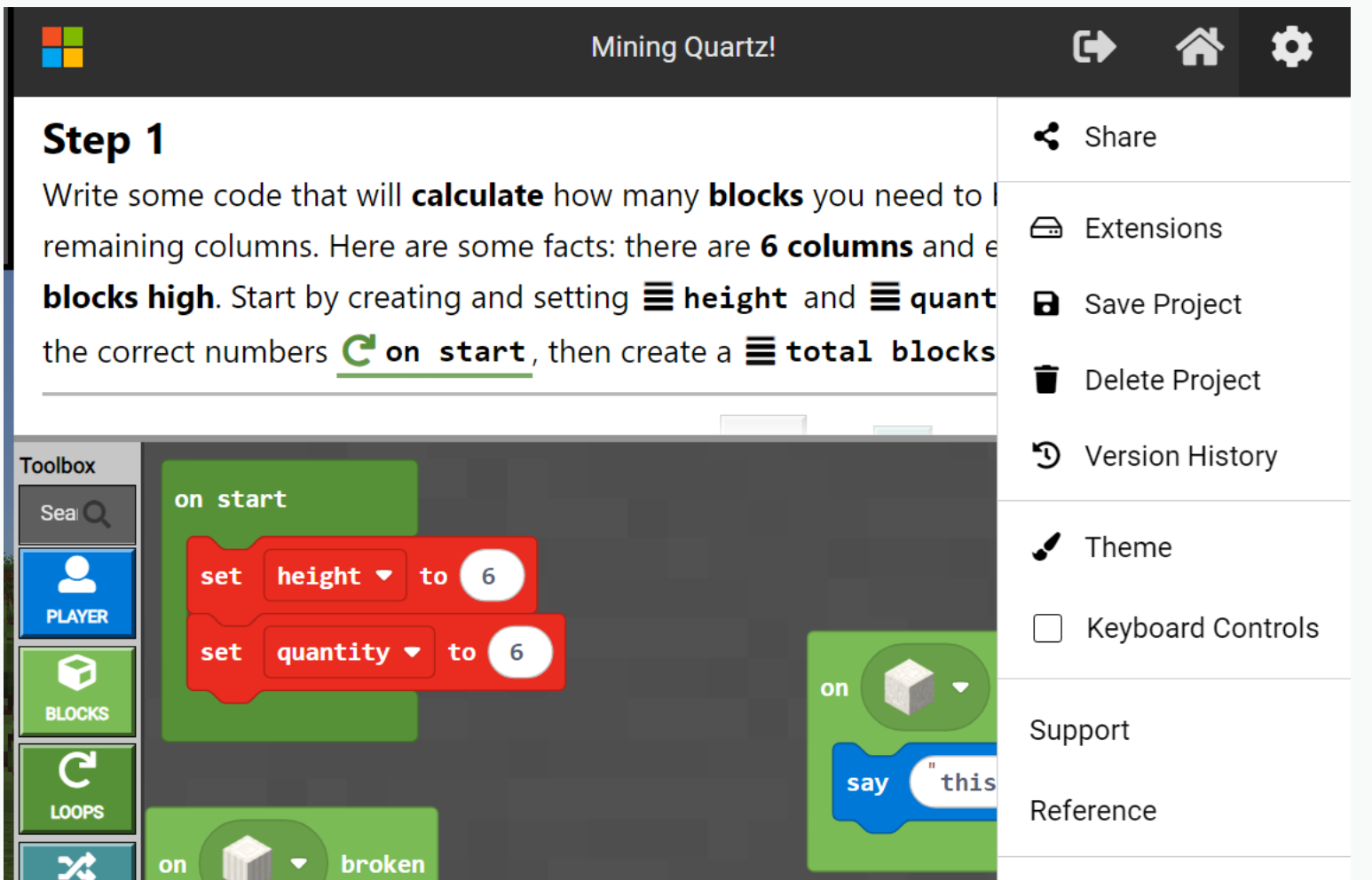
1 - Export code with the "Save Project" feature to a private USB thumb drive or their emails, so they will always have a copy of their code that has been untouched -
2 - Use this moment as an opportunity to remind the students to follow the rules set by the teacher which includes not tampering with other classmate work, otherwise their Minecraft Education use privilege can be removed.
0 -
Thanks, Danny. Students are doing great now with sharing the Makecode space.
In fact, they share too well that now students are using each other's codes instead of doing their own work.
So, to follow up, is there quick/easy way to reset MCEE makecode projects for iPad? Currently, I'd have to sign in to each iPad, open up a world, go to Makecode, reset projects, and then sign out of Minecraft Education.
Doing this for 40 iPads takes up 30 minutes to an hour after each class.
Any tips would be appreciated!!
0 -
Haha always a tough balance with students!
I don't believe there is a way to batch quickly reset Minecraft Education Makecode projects for Ipads, but I will look into it for you!
0
Please sign in to leave a comment.
Comments
3 comments