MINECRAFT EDUCATION EDITION KEEPS CRASHING

Im on a 2015 Imac desktop and a couple of months ago when I tried playing MEE it worked perfectly, but today when I tried to play it with my friends it crashed. I clicked the app but then it shows a white screen for a second and then it says " Minecraft: Education edition quit unexpectedly" . I dont know what to do I have tried so many ways to make it stop crashing I really need help with this.
-

Hello! Can you tell me what MacOS version you are running? Depending on the OS this is a known issue, and you may need to open a ticket with us at the right of your post by clicking the gear icon and select submit a ticket. Basically, older OS versions can't run the new client version 1.17 and will need to be dropped back to the older version. The best action is to update your OS if you are able and see if that fixes the issue. Let me know your findings.
1 -

Hi there Dana Ozbek. I'm sorry to hear about the issue with the app crashing when you access it. In this case I recommend the following:
- Remove any mods, skins, or texture packs - Minecraft: Education Edition is not compatible with these.
- Make sure that your device's firewall / virus scan has Minecraft: Education Edition exempted from being blocked.
- Make sure you've updated your Operating System.
Let us know if you are still having trouble after this.
0 -
Dominick My computer is on MacOS High Sierra version 10.13.6. It is quite old, but a couple of days ago it worked when using MEE with my friends on 1.17 but yesterday it didn't work again.
0 -
I created a ticket for you to further troubleshoot this. It sounds like your OS version is not compatible to work with our new client version. Try updating your OS if you can.
0 -

Dominick The docs are pretty out of date, but this one is only 3 months old:
https://educommunity.minecraft.net/hc/en-us/articles/360047556591-System-Requirements
The special instructions for Mac, Chrome and PC are from before the GOAT entirely at this point. I know everyone is still hard at work getting the newest update up to snuff. It's just another thing for the list. =]
1 -
I'll send this to Justin to see what he thinks about getting this updated. Thanks, Debbie, for all that you're doing!
0 -

Every time I open my Minecraft education edition it keeps telling me that the app is not responding and it worked earlier I don't know what to do it very annoying.
0 -

Hey there!
Sorry to hear you are running into some issues.
Just had a few questions to help us support you further:
1 - What device make / model and OS version are you on when you got this error?
2 - Are you on the latest version of Minecraft Education?
3 - Is this a home network or school network?
4 - Is this a commercial account or school managed account?
0 -

Yo My Minecraft keeps crashing as well. My gaming PC can run red dead redemption 2 easily with 0 noise. I am on the latest Minecraft version 1.21.10. This is a home network. I also use a school account that has not been suspended.
0 -
Hey there,
Sorry to hear you are running into some issues with Minecraft Education crashing.
What device Make/Model/OS version are you on?
Does the issue occur as well when connected to your school's network?
Is there any sort of crash report generated when you crash? Any error message you can screenshot? (no personal info please)
0 -

Same here too. I was playin' Minecraft: Education Edition, right? I clicked on the Wheel of Steve (it's a Minecraft world), and when it started downloading, boom! It closed out. Can one of your kind support agents help?
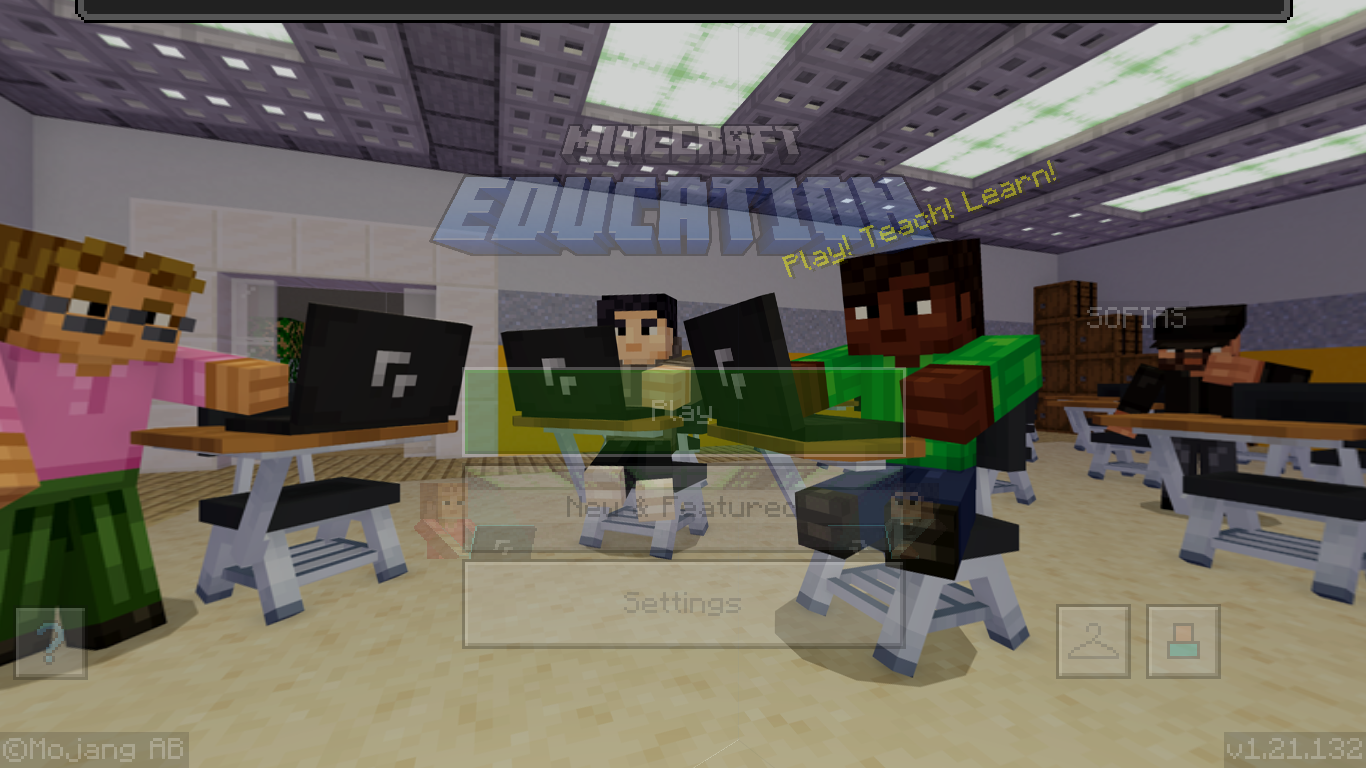 Thanks! (here's proof)0
 -
Hey there!
Thanks for sharing the screenshot and sorry you are running into this. Just had a few questions to help us support you further:
1 - What kind of device, Make/Model/OS Version did you experience these issues on?
2 - Do you know any others running into these issues too?
3 - Have you let your school's IT admin know about this? What did they say?
0 -
I ran Minecraft: Education Edition on my Chromebook.
0 -
Hey there,
Thanks for letting us know. Please reach out to your school's IT admin and if they have questions have them reach out to us as you did so we can keep troubleshooting with them.
0
Please sign in to leave a comment.
Comments
14 comments