My world wont load

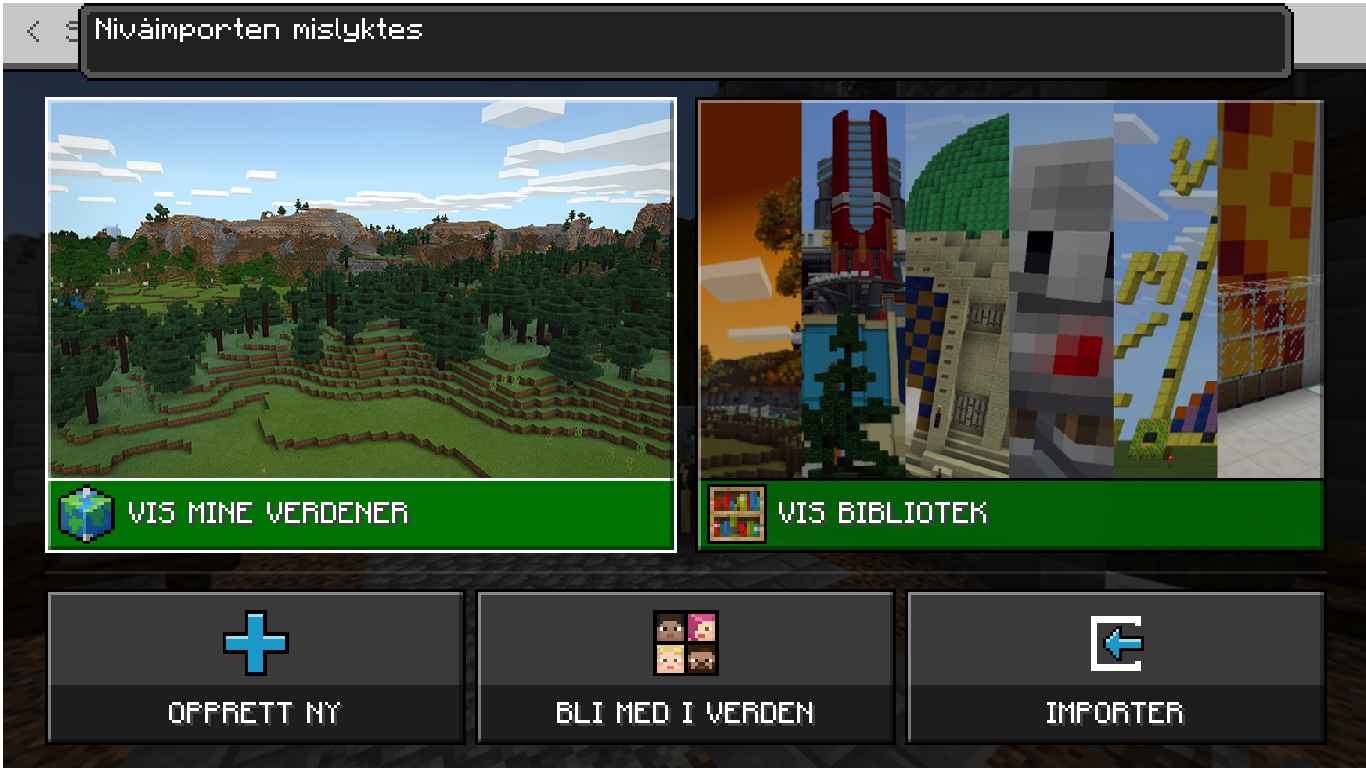
I woke up today and saw that my world was deleted. I found the folder and transfered it into a .mcpack on the image it dont says mcworld but it is. Translate if you need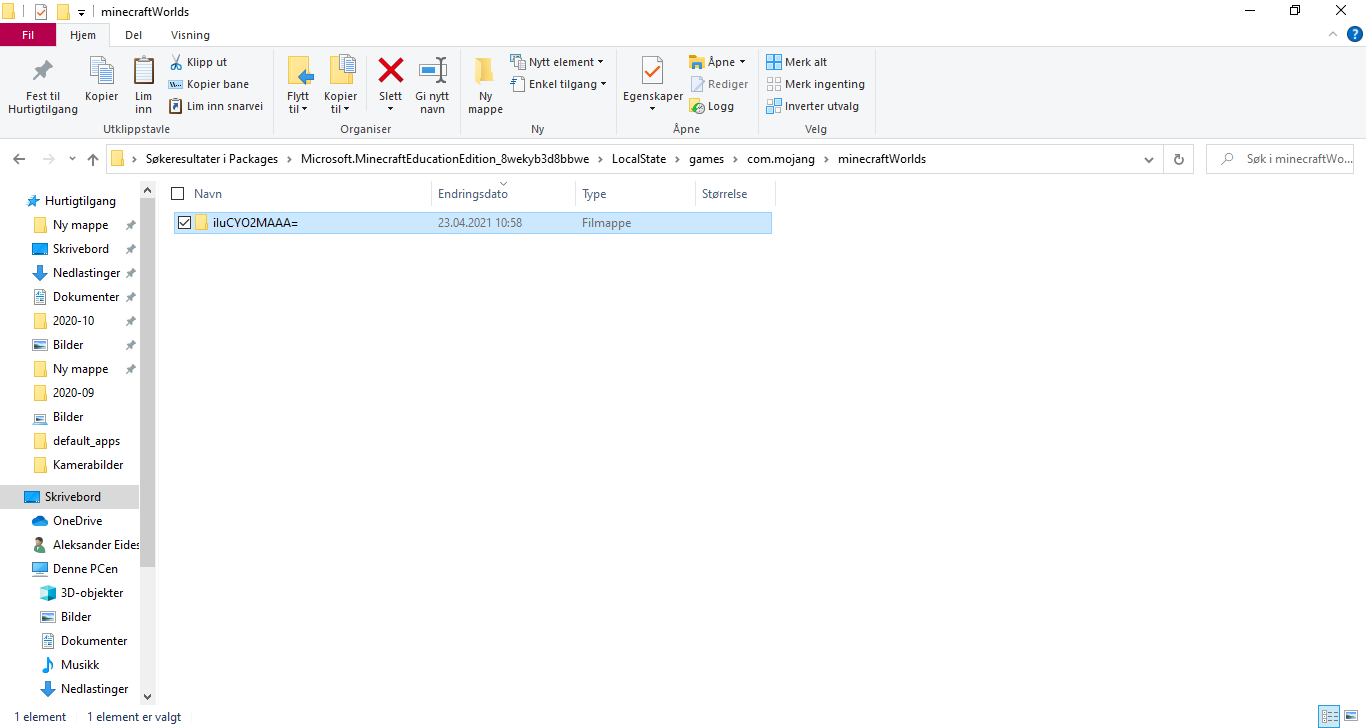
1
-

Hi Alexsander-
- open the folder in this new location, select all of the files in the directory, right click and then select "Send to Compressed (zipped) folder"
- A new file with extension ".zip" will show up in this folder. Move this .zip file to the desktop, or another convenient location
- Rename the .zip file to "[WORLDNAME].mcworld" - WORLDNAME is a name you choose that is recognizeable to you
- Double click on this file, and Minecraft: Education Edition will launch
0
Please sign in to leave a comment.
Comments
1 comment