I can't login

The login screen doesn't turn up when I open the app. Help plz! 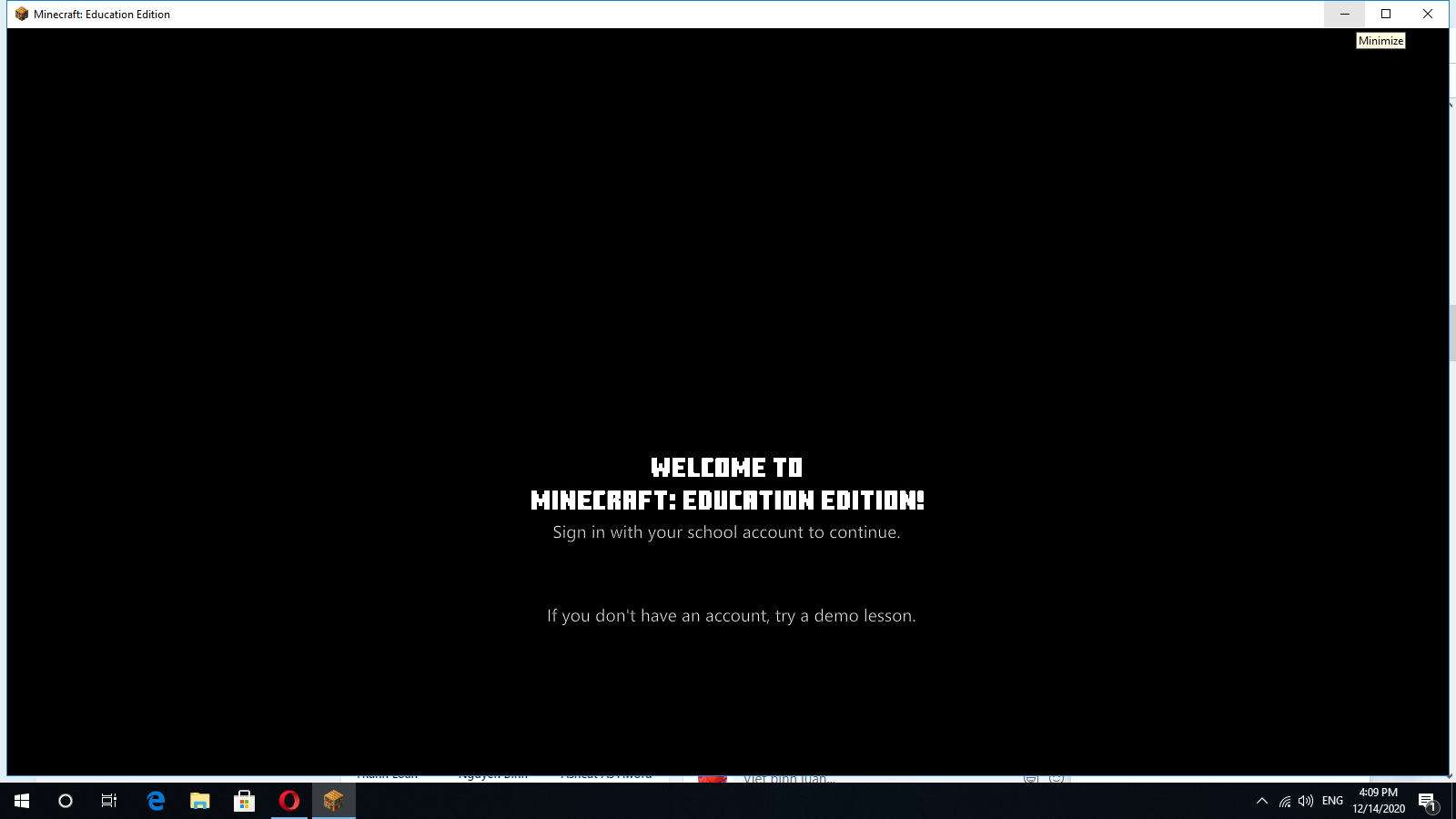
-
I have reinstall MC Edu but it doesn't work though
0 -

Hùng Cao M?nh if you haven't already done so, try restarting your computer.
If that doesn't work, try going to Start>Settings>Apps.
Look for any installations of Minecraft in the list. If there are duplicates, remove the oldest ones.
If the issue persists, go to the same location and uninstall Minecraft (if you haven't exported and backed up your worlds, you will lose them).
Try reinstalling Minecraft Education Edition from the Microsoft Store, or here.
0 -

Great suggestions from Dan Noble.
In addition this may also be a graphics/driver issue. Please be sure to run all updates for your machine.
0 -
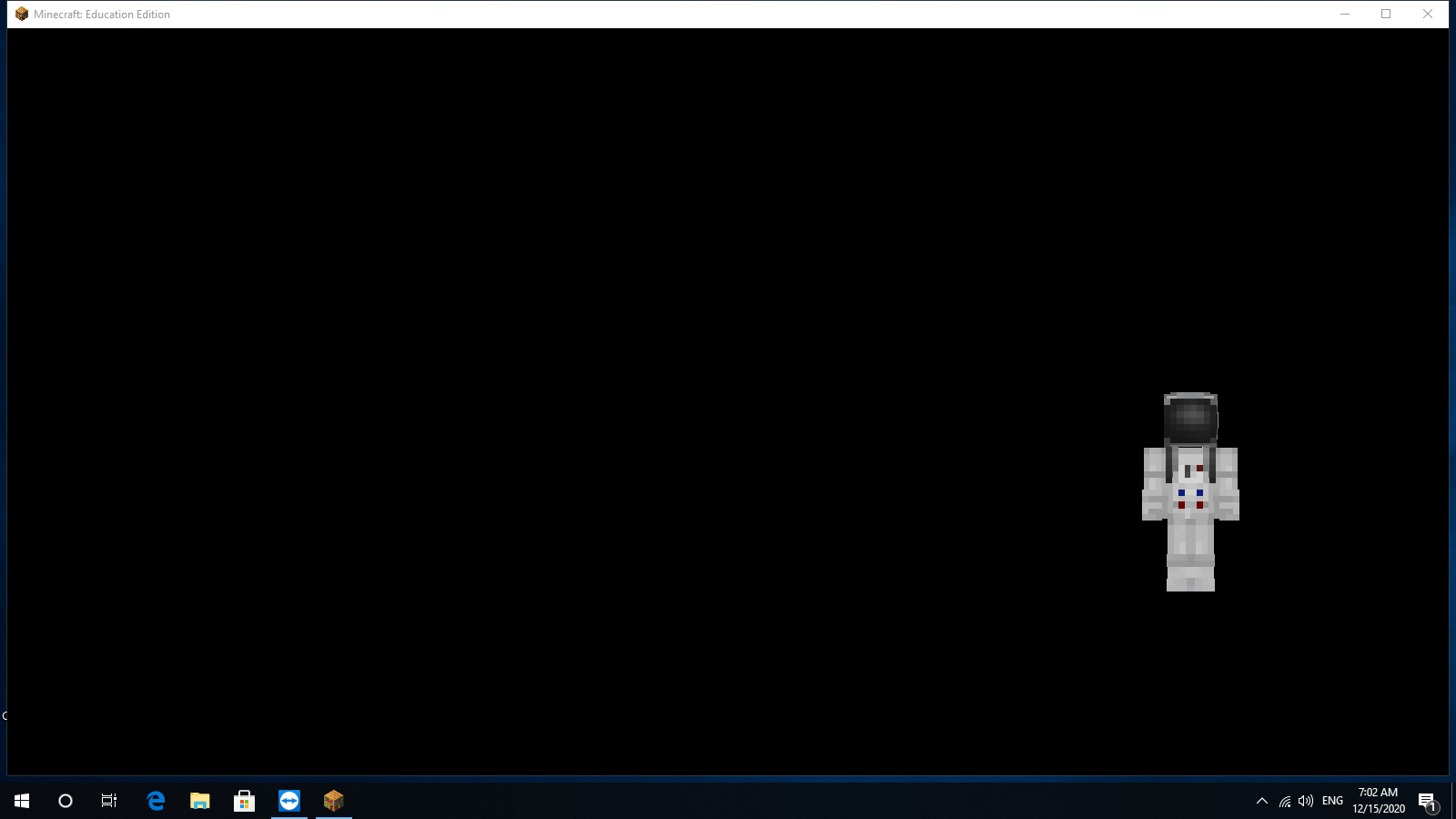
Tks but, when I login, the screen still black :<
 0
0
Please sign in to leave a comment.
Comments
4 comments