Cant Sign In

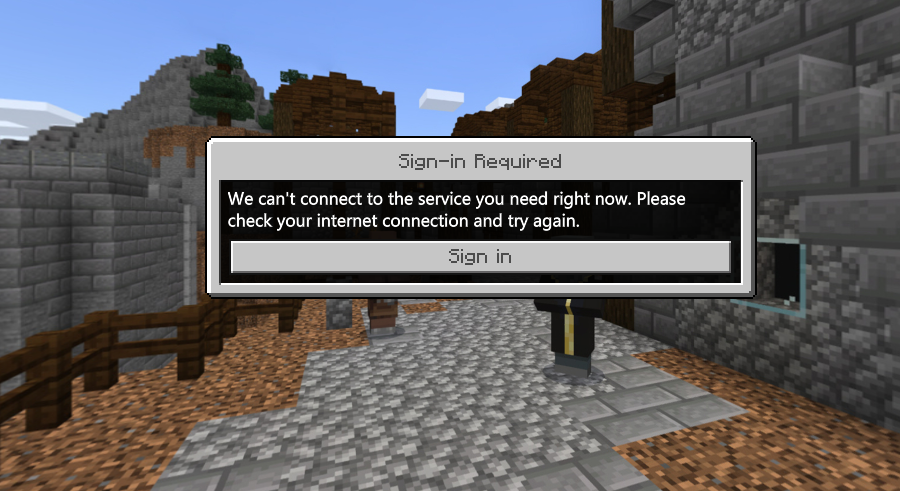
I haven't been able to sign in for the last 5/6 months and all my friends can get on please help me
-

Hi there Ashton WATT. I'm sorry to hear about the issues logging in. Thank you for providing this screenshot of the log in error! When Minecraft: Education Edition provides the message show in the screenshot, it means that there are two versions of the app installed. In this case, you'll want to track down one of the two installations of M:EE and uninstall it. Then, you should be able to access the game as normal.
0 -

my school laptop doesnt let me deleete
0 -
0
-
Hi there Jeshua Mejia, in this case I would contact your school's IT administrator to see if they can give you the permissions to uninstall the extra version. I hope this helps!
0 -

same thing with me :/
0
Please sign in to leave a comment.
Comments
5 comments